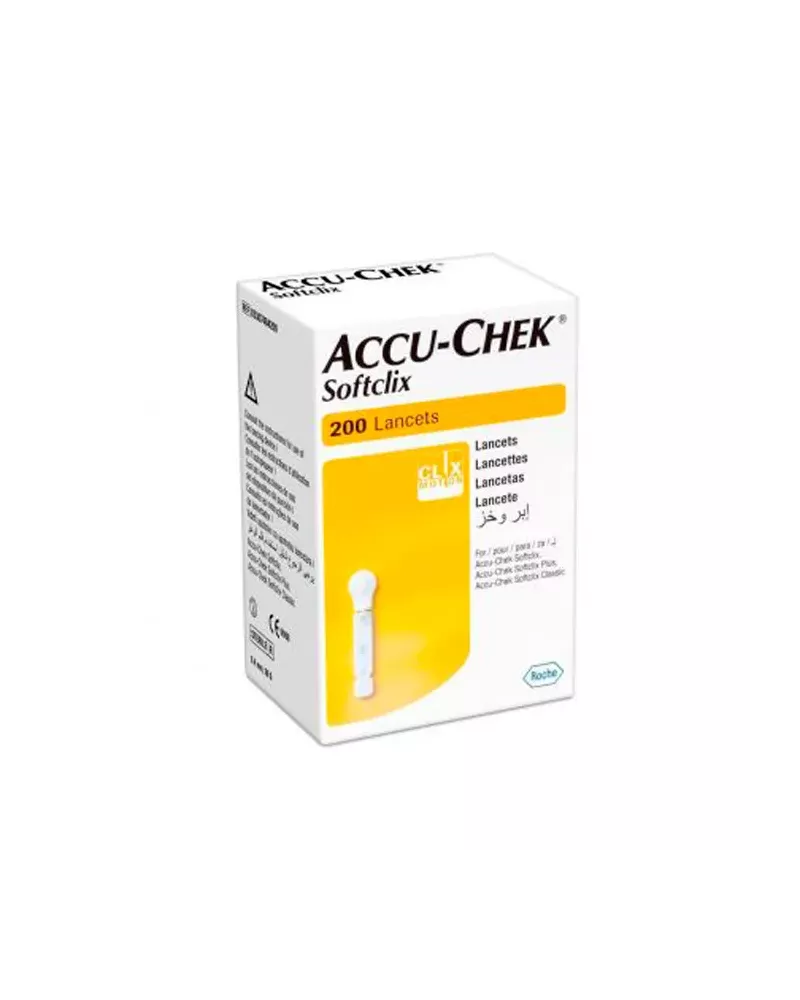
Directions for Use: 1. Wash and dry your hands thoroughly. 2. Remove the cap from your Accu-Chek Softclix, Softclix Plus, Softclix classic, or Softclix II lancing device. 3. Insert a new Roche Softclix II 200 Lancet into the lancing device. Ensure it is fully inserted. 4. Twist and remove the protective cap from the lancet. 5. Replace the lancing device cap. 6. Adjust the penetration depth setting on your lancing device as needed. Start with a lower setting and increase if necessary. 7. Place the lancing device against the chosen puncture site (typically the side of a fingertip). 8. Press the release button on the lancing device to activate the lancet. 9. Gently squeeze the finger to obtain a blood drop. 10. After use, carefully remove the used lancet from the lancing device using the ejection mechanism. Dispose of the used lancet safely in a sharps container. 11. Replace the cap on the lancing device. Recommended Frequency: Use a new lancet for each blood glucose test. Never reuse a lancet. Additional Tips: For more comfortable testing, rotate your puncture sites regularly. Do not share lancets with others. Store lancets in a cool, dry place away from direct sunlight and moisture. Always follow the instructions provided with your specific lancing device.
No customer reviews for the moment.